
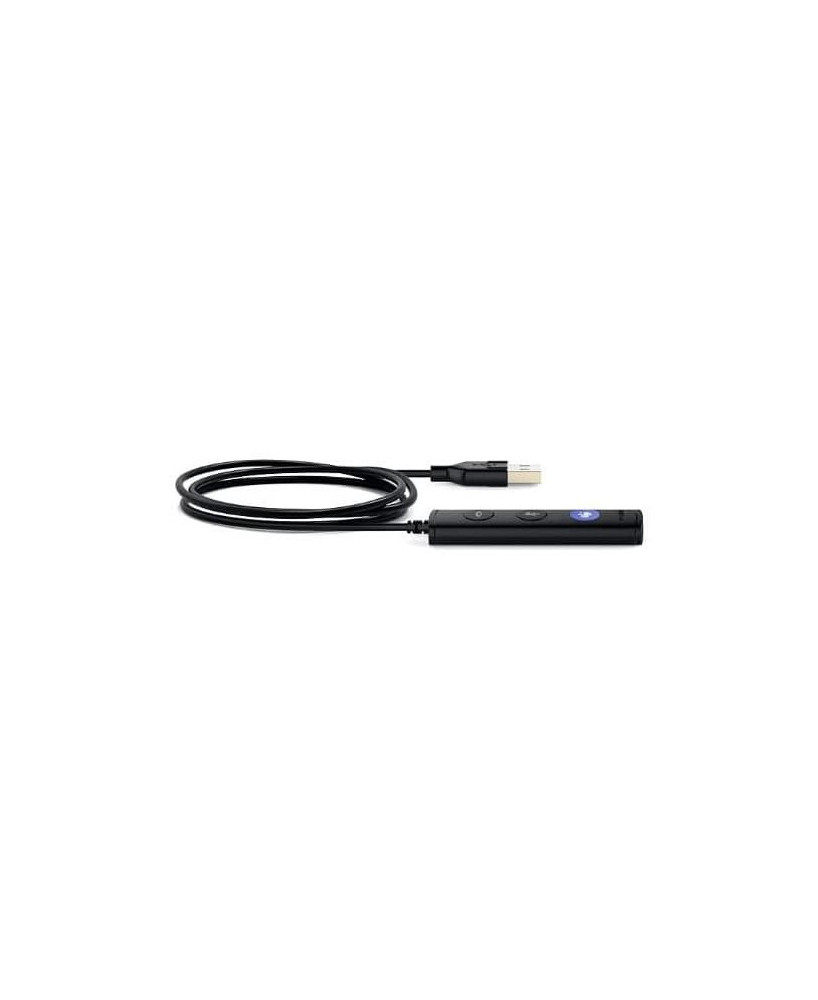


The Yealink YHC20-MS-SE USB-A Controller is a reliable, easy-to-use call management accessory designed for the UH34 SE headset, featuring a dedicated Microsoft Teams button for instant call control. With quick access to answer, end, mute and volume adjustments, it ensures smooth, efficient workflows and professional communication—perfect for modern Teams-based work environments.
The Yealink YHC20-MS-SE USB-A Controller is a streamlined call management accessory designed for the UH34 SE headset, featuring a dedicated Microsoft Teams button for instant meeting access and efficient call handling. With intuitive controls for answering, ending, muting and adjusting volume, it enhances workflow productivity and ensures consistent, professional communication—ideal for Teams-focused workplaces seeking reliable, plug-and-play performance.
Brand New - A brand-new, unused, unopened, undamaged item in its original packaging.
This item comes with a 12-month manufacturer's warranty.

The Yealink YHC20-MS-SE USB-A Controller is a reliable, easy-to-use call management accessory designed for the UH34 SE headset, featuring a dedicated Microsoft Teams button for instant call control. With quick access to answer, end, mute and volume adjustments, it ensures smooth, efficient workflows and professional communication—perfect for modern Teams-based work environments.
The Yealink YHC20-MS-SE USB-A Controller is a reliable, easy-to-use call management accessory designed for the UH34 SE headset, featuring a dedicated Microsoft Teams button for instant call control. With quick access to answer, end, mute and volume adjustments, it ensures smooth, efficient workflows and professional communication—perfect for modern Teams-based work environments.
